Today
One glance is enough.
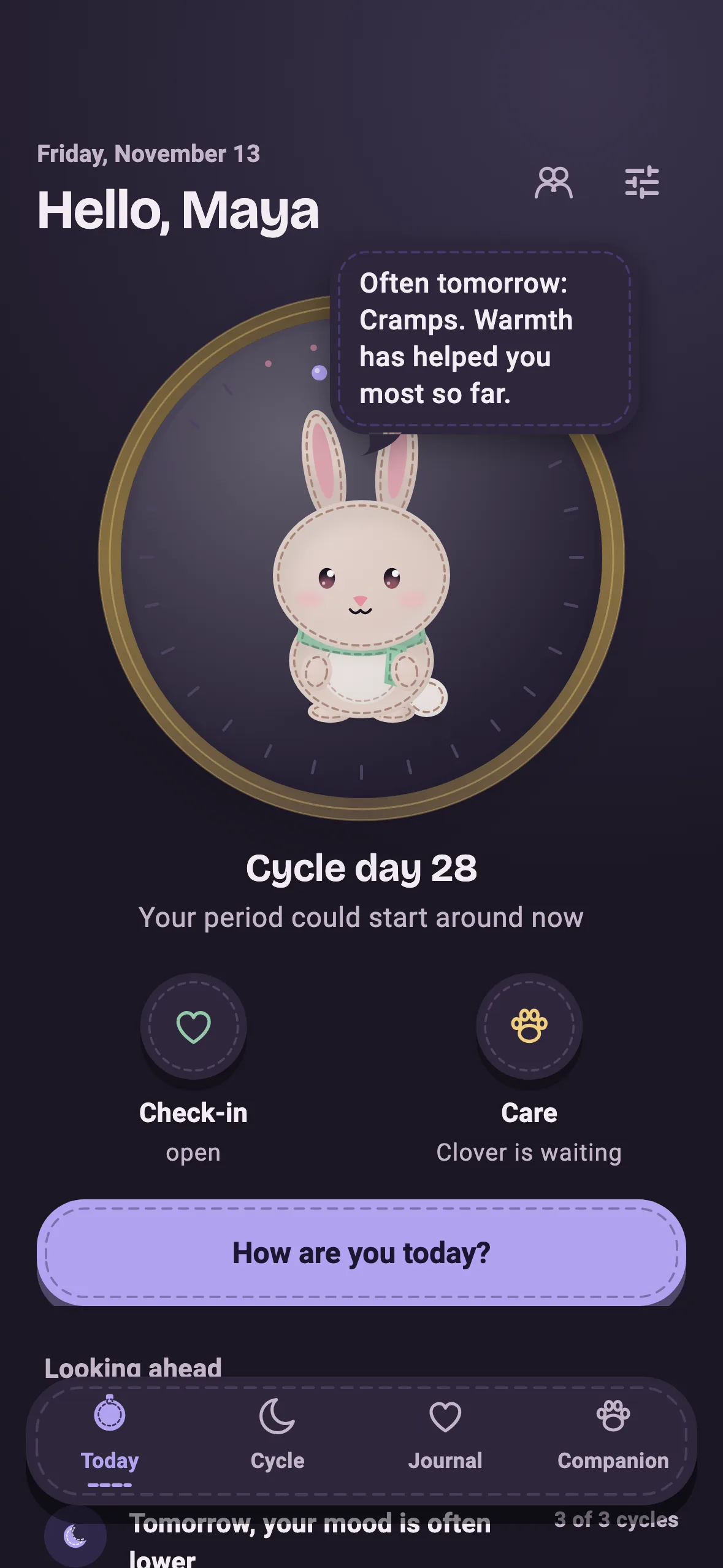
The home screen answers one question: what matters today? Your pill, your check-in and your companion – inside an embroidery hoop that grows with your cycle.
Pill · Cycle · Mood + a companion
Moonibi keeps track of how you're doing – calmly, encrypted on your phone. And a little felt friend is happy about everything you do for yourself.
Version 1.1.1 for Android · iPhone and Play Store coming soon
01 · The idea
One pill.
One check-in.
One moment for you.
Moonibi turns small daily gestures into a picture that grows with you: every pill, every entry, every time you check in with yourself adds to it. After a few weeks you see a pattern – and a little creature that was happy right along with you. Nobody here punishes gaps.
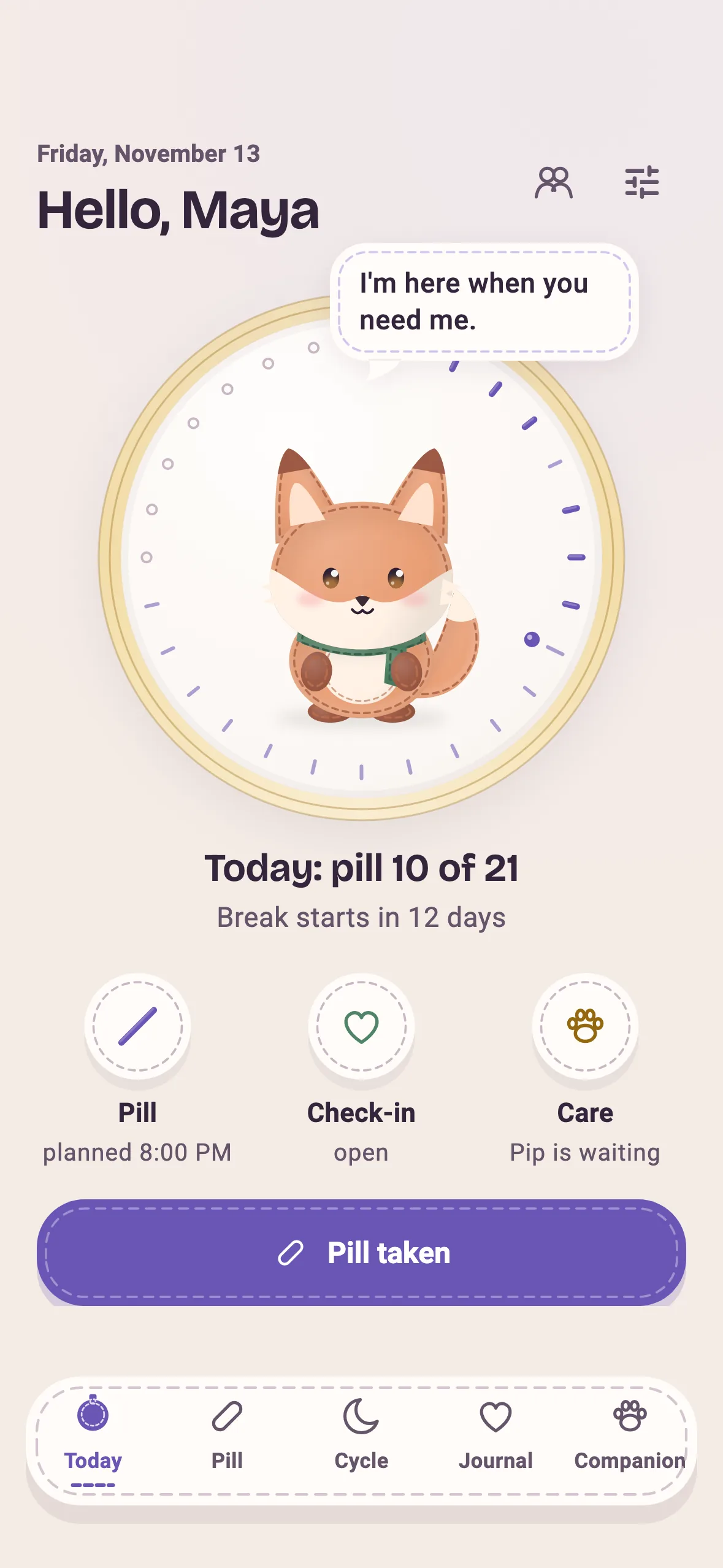
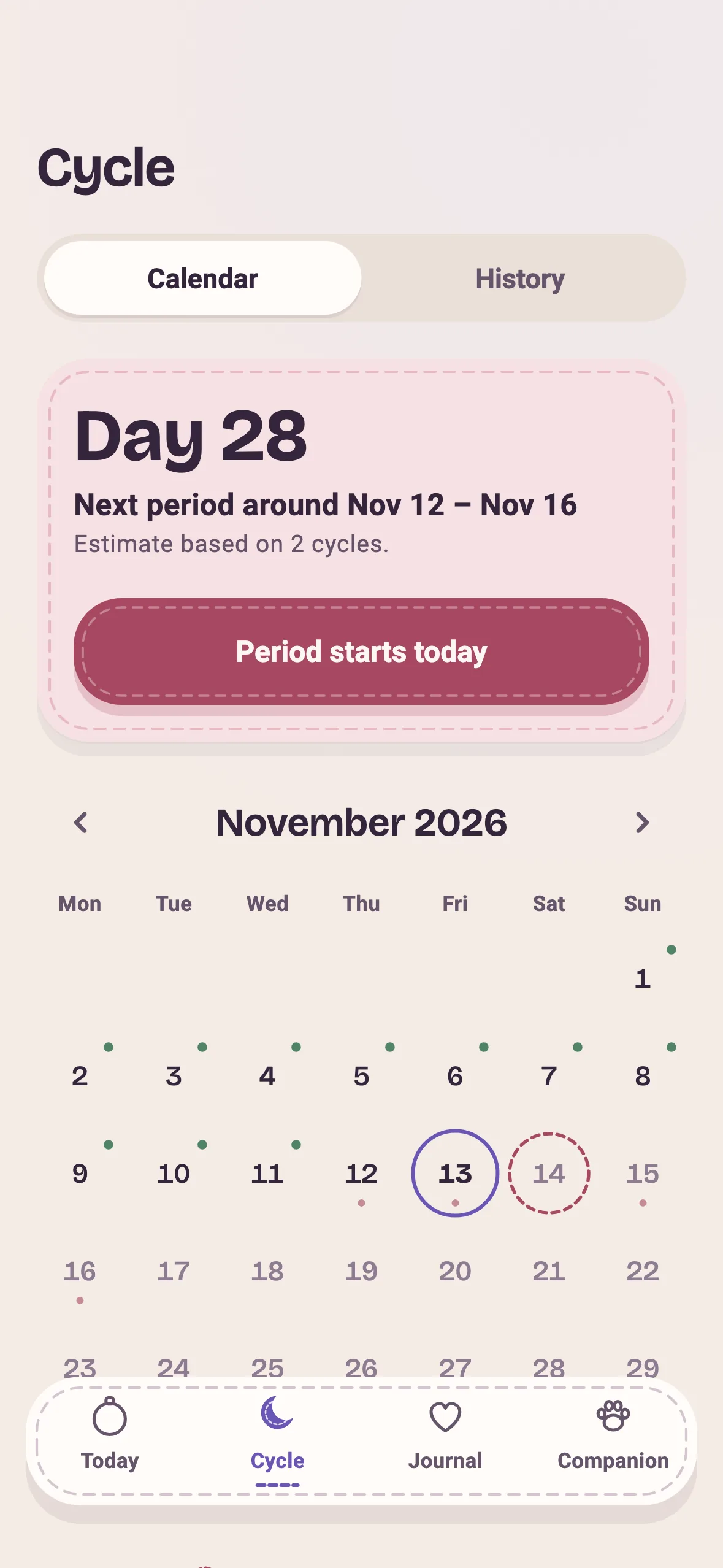
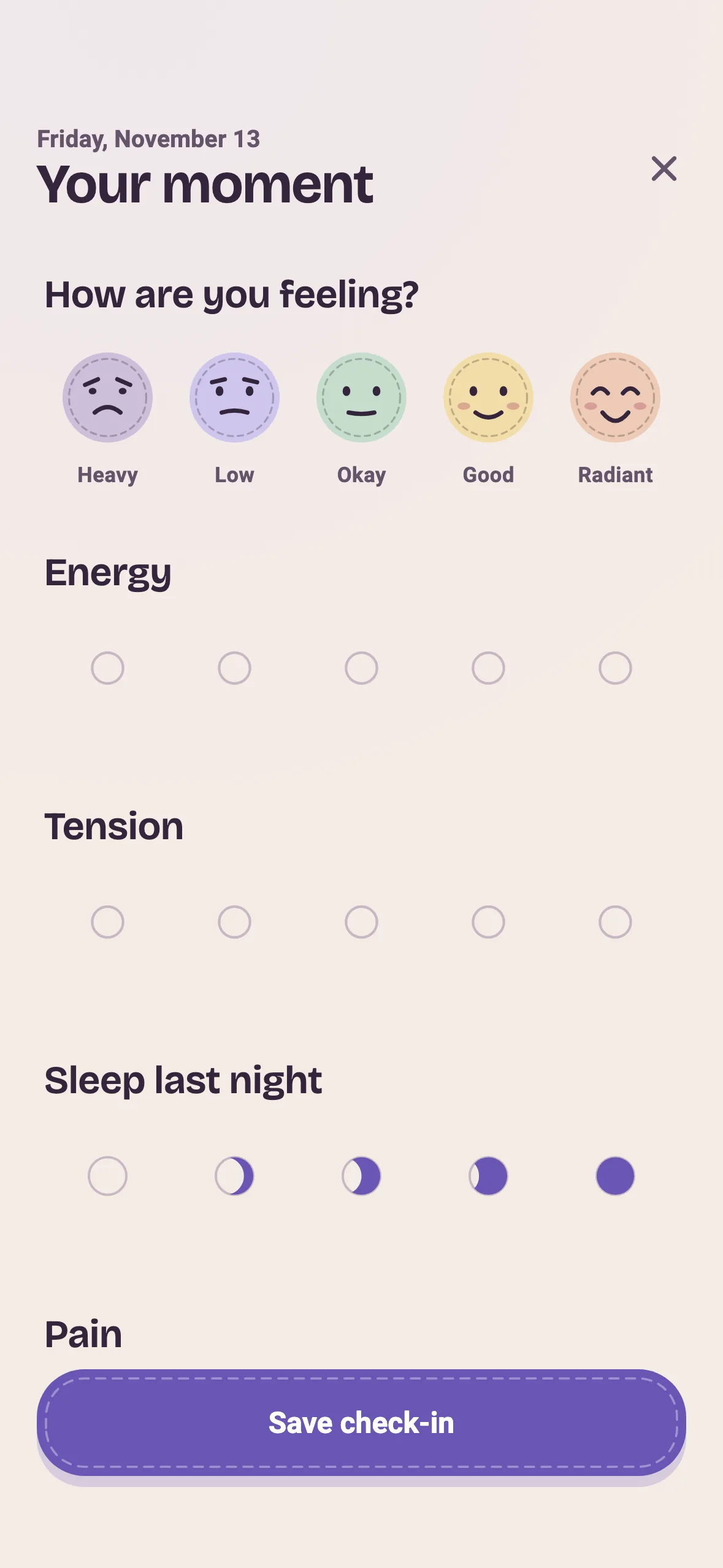
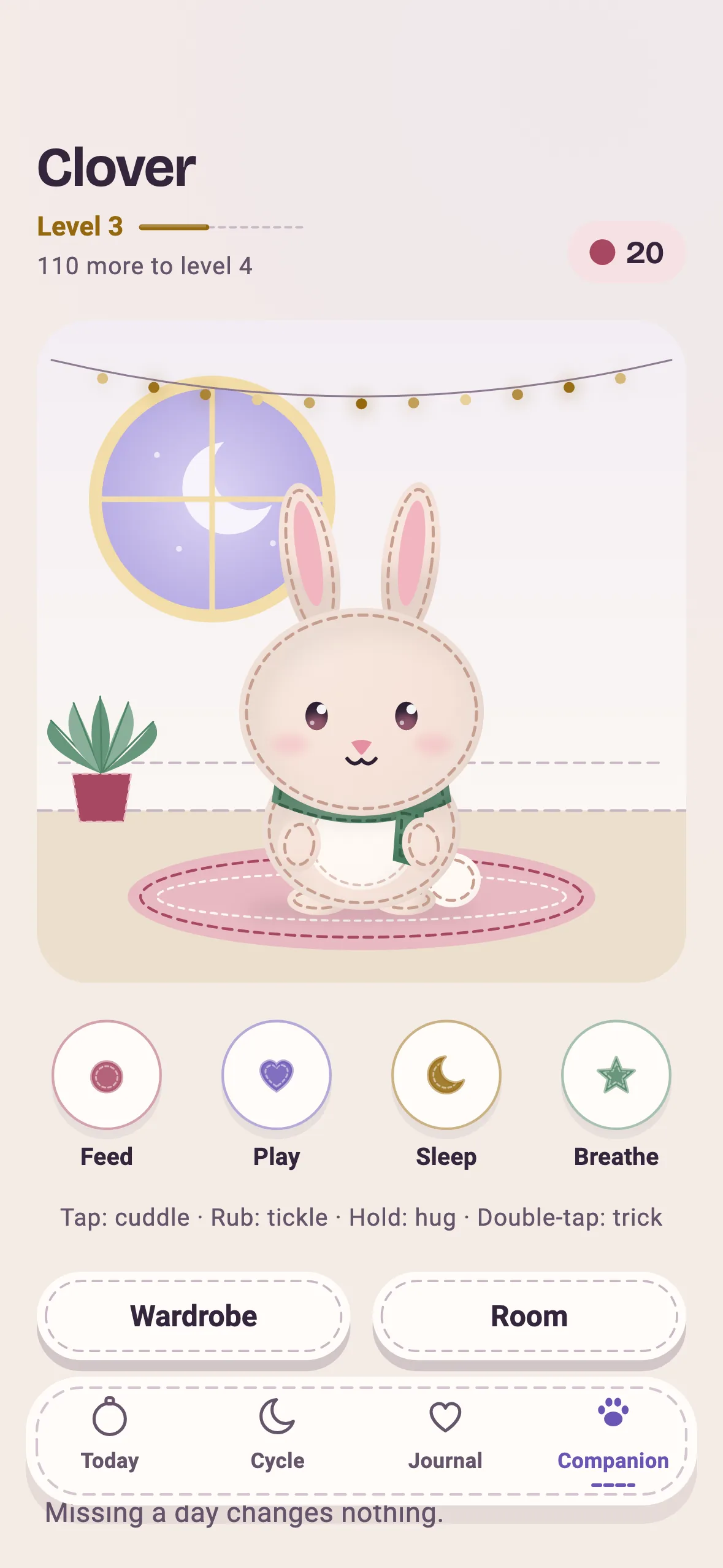
Today
The home screen answers one question: what matters today? Your pill, your check-in and your companion – inside an embroidery hoop that grows with your cycle.
Pill
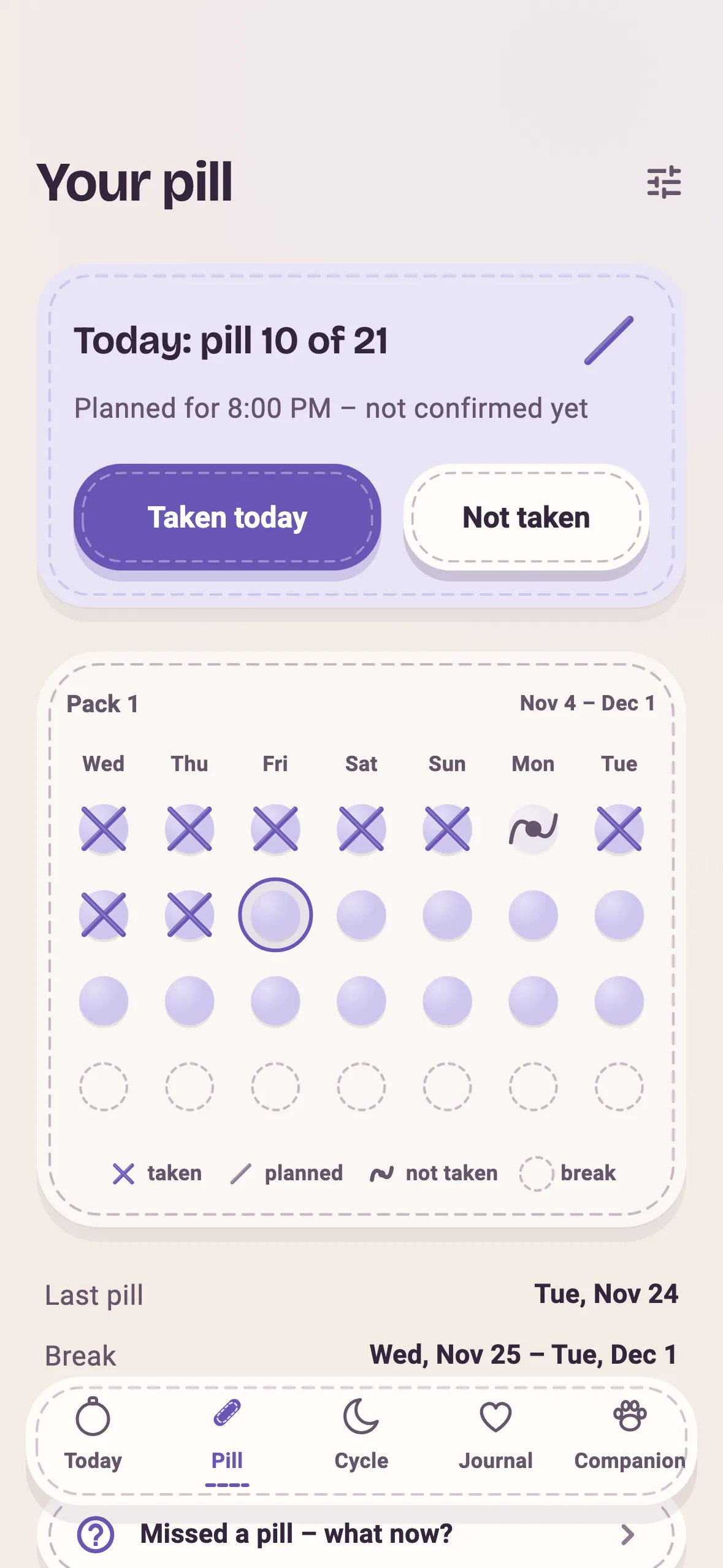
21/7, 24/4, 28 days with placebo, continuous or a custom scheme. Planned is half a cross, confirmed is a full one. Reminders run locally, even offline – and reveal nothing on your lock screen.
Cycle
Period start, flow, symptoms. Predictions always show their window of uncertainty. Moonibi deliberately makes no claims about fertility or contraceptive protection.
Journal
Mood, energy, stress, sleep, pain and a note. Done in seconds. Insights only appear once there are enough entries to actually say something.
Companion
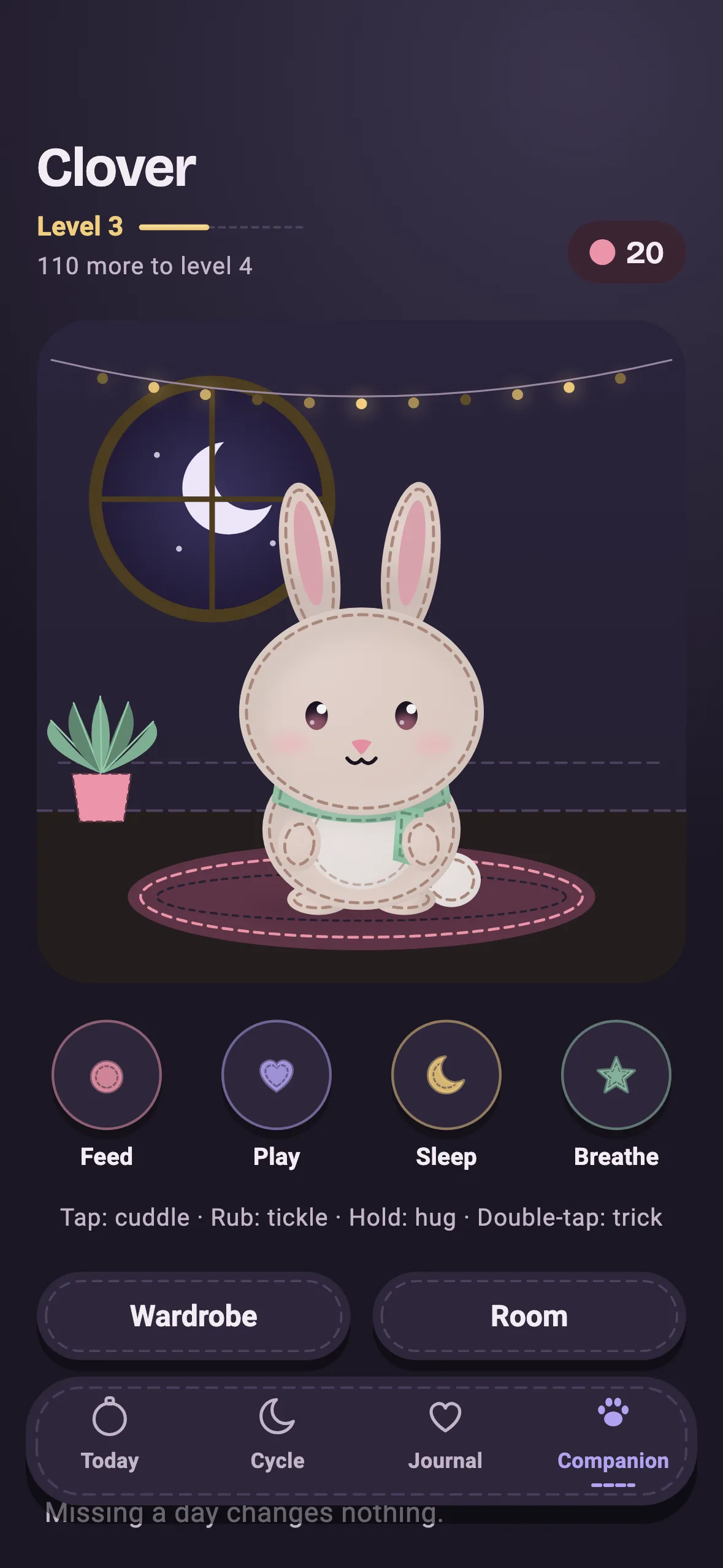
Your companion gains experience for everything you do for yourself. Miss a day and – nothing happens. No penalties, no broken streaks, just a felt friend who's glad you're back.
03 · Shapes, not just colours
What's planned looks different from what actually happened. Moonibi doesn't rely on colour alone but on shape – readable without colour vision and in dim light.
Planned. Half a cross.
Tap it – this is how confirming feels in the app.
Period – logged
Filled strokes
Prediction – hasn't happened yet
Dashed outline
Prediction's window of uncertainty
Loose strokes
Pill-free day
Open ring
Placebo pill
Filled dot
Not taken – noted, no alarm
Calm wave
04 · Your companion
Cat, bunny, fox or bear – sewn from felt, with their own name, room and wardrobe. Your companion grows with everything you do for yourself.
Check-in – You take a moment to notice how you feel.
Entries – Pill, period, symptoms – written down.
Time together – Feeding, playing, tucking in.
And if you miss a day? Then you miss a day. Moonibi takes nothing away and never breaks a streak.
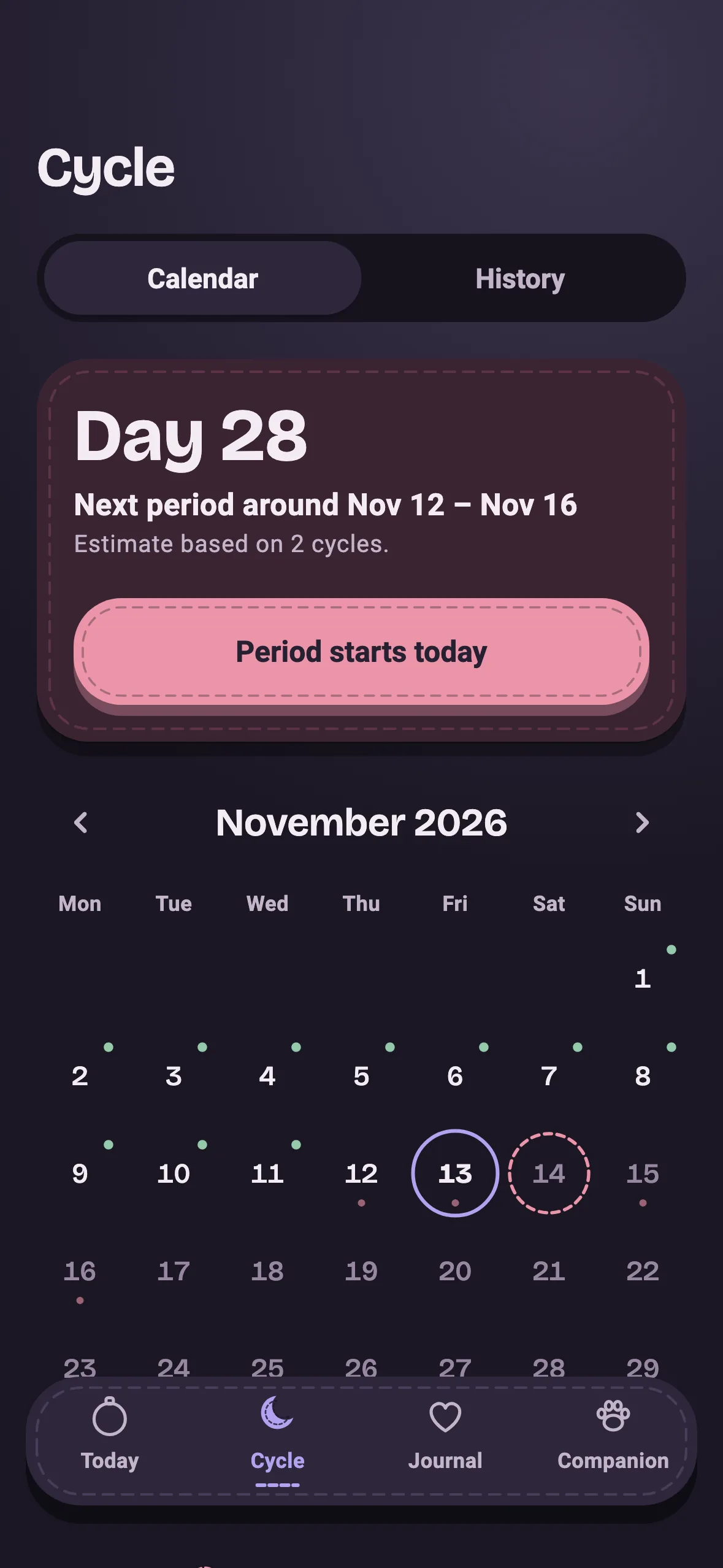
And when it gets late …
05 · At night
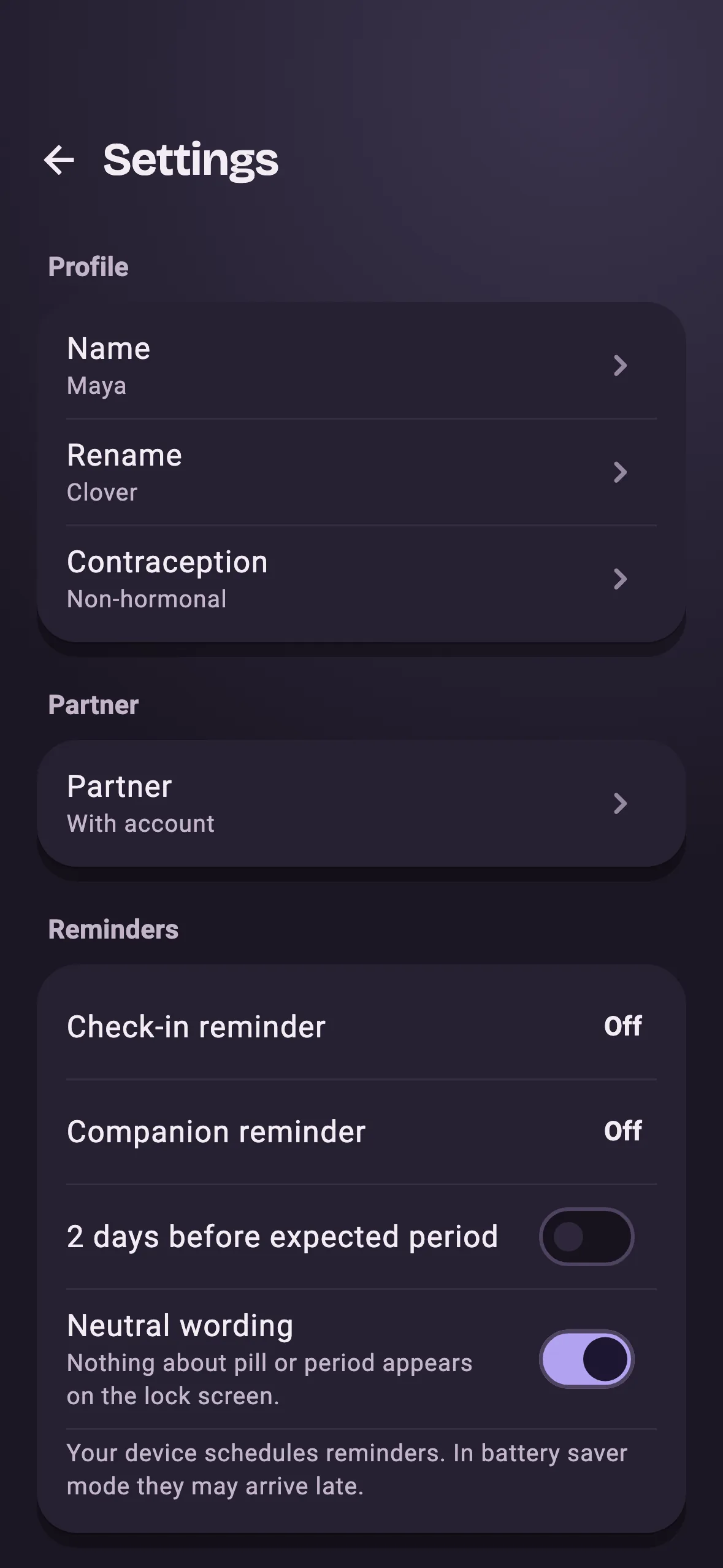
In bed, in the bathroom, one-handed: dark mode isn't an afterthought but a material of its own – muted, warm and easy to read. It follows your system.
06 · Privacy
Cycle and contraception are health data – especially worth protecting. That's why Moonibi is built local-first: private is the default, not a setting you have to go looking for.
All entries live in an encrypted database on your phone. The key stays in your device's secure storage.
Moonibi works completely without signing up. Sync and backup are an optional extra with their own consent you can withdraw.
Default lock-screen texts never mention the pill, your period or your health.
There's no usage tracking running in the background. What you enter stays between you and your companion.
Take your data with you as a file or delete everything completely, on the device and in your account. Optional biometric app lock.
07 · Together
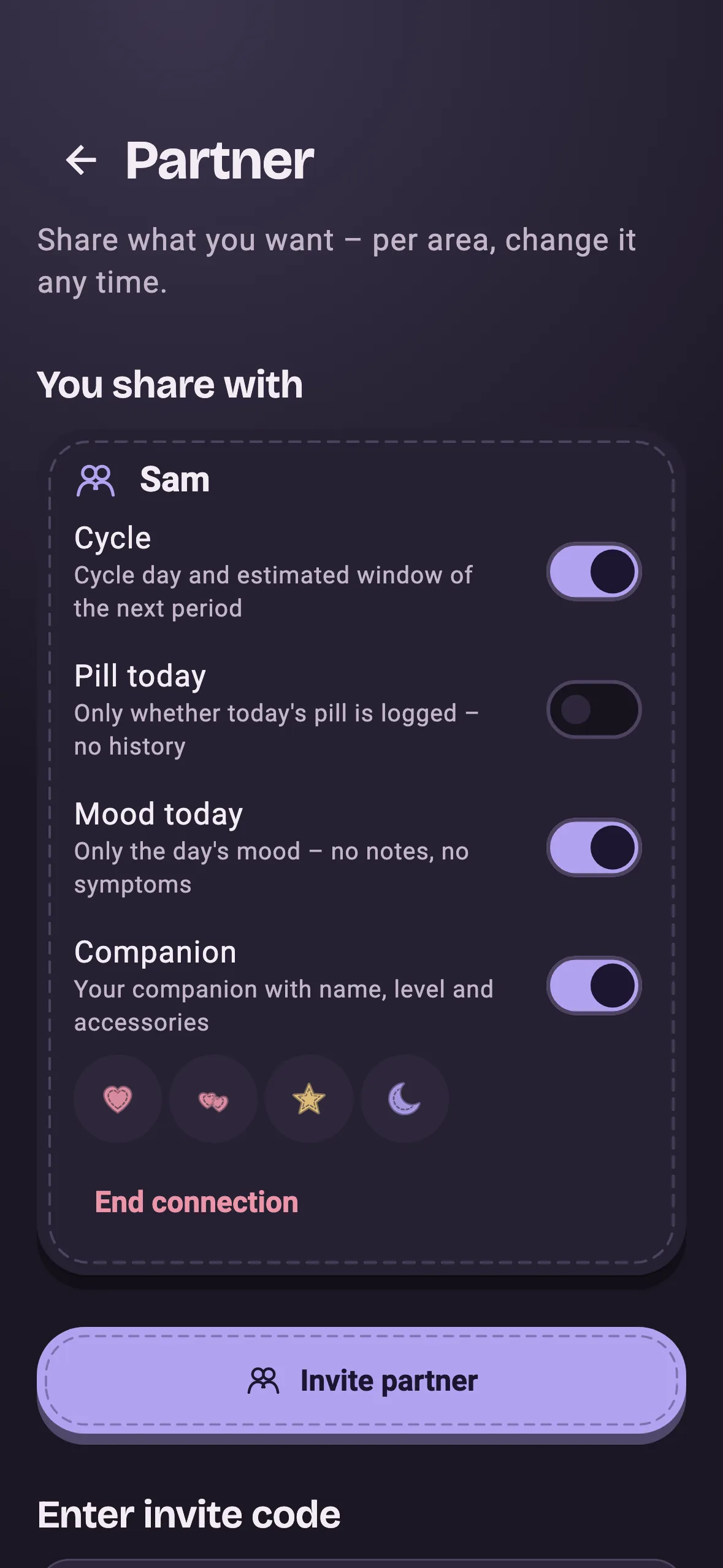
With an invite code you connect with a person of your choice. You decide per area what they see – and you can change it or end the connection at any time.
Partner mode needs an account on both sides. Notes and symptoms are never shared.
08 · Install
Android · APK
Moonibi 1.1.1
SHA-256 checksum
14f1fa32f661119b30153edb6802be0d2bd2c9ab2d3184111939cafbcc18322bDownload the APK
Tap the button. Android may ask whether your browser is allowed to install apps – allow it once.
Open and install
Open the file from your downloads and choose “Install”. Optionally compare the checksum first.
Pick your companion
Open Moonibi, choose an animal, give it a name. No account needed.
Moonibi records and reminds – it doesn't replace medical advice and makes no claims about contraceptive protection. If you miss a pill, follow the package leaflet; when in doubt, ask your pharmacist or doctor.
The Google Play and App Store versions are on their way. Until then you can install Moonibi on Android straight from this page – it's the same app.
Only download Moonibi from this page. The first time, Android asks whether your browser may install apps; you can revoke that permission afterwards. If you want to be extra sure, compare the file's SHA-256 checksum with the one shown here.
Yes. The app follows your phone's language: German if your system is set to German, English otherwise.
No. The pill tracker is one area among many. Cycle, check-in, journal and your companion work just as well without it.
No. Moonibi works fully without signing up. You only need an account to sync or back up your data across devices, or to use partner mode.
By default only on your device, in an encrypted database. Only if you explicitly turn on sync is it matched with your account over an encrypted connection. Export and full deletion are in the settings.
Nothing bad. Moonibi doesn't punish gaps: there are no streaks to break and your companion loses nothing. If you miss a pill, the app shows you where to read up – the package leaflet is what counts.
No, deliberately not. Moonibi records and reminds. Cycle predictions always show their window of uncertainty. Questions about contraceptive protection and health belong with your pharmacist or doctor.
The iPhone version is on its way and will come through the App Store. Installing outside the store isn't intended on iPhone.